![ElevationLogo_color02_landscape.png]](https://go.elevationweb.org/hs-fs/hubfs/ElevationLogo_color02_landscape.png?height=50&name=ElevationLogo_color02_landscape.png)
The Main Menu of your WordPress site is a visitor's primary tool to navigate your site quickly. Use the instructions below to access and manage the Main Menu and customize it so that visitors can navigate your site easily:
Accessing the Main Menu settings
1. Log into the WordPress backend of your site
2. Navigate back to your site's home page and click Customize in the top bar

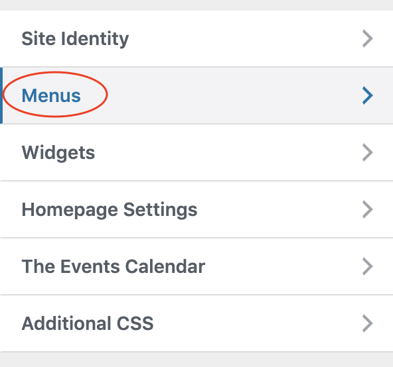
3. A menu will pop up on the left. Click Menus and then select the menu that you want to edit to view the configuration of that menu.
How to create a new menu item
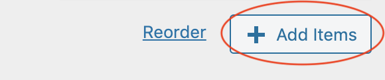
1. Click the Add Items button
This will open a menu to select to additional items to add:
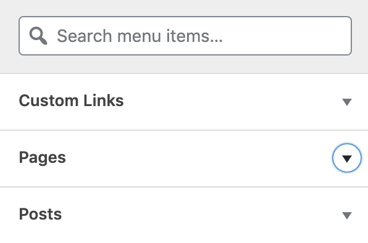
2. Click the page or post that you want to add, or create a custom link to add to the bottom of your menu.
How to move menu items and make menu sub-items
After the item has been added to the bottom of the menu, click and drag it into the correct position.
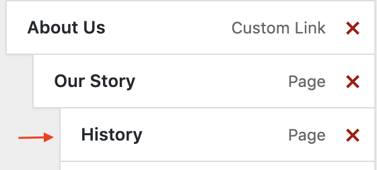
If you want an item to be a sub-item, click and drag it to an "indented" position under the parent item: